Phones, Wi-Fi & Working Remotely
U.S. carriers work like home, villa Wi-Fi is listed per property, and the time zone is Atlantic — one hour ahead of New York in winter.
Your mainland phone works on St. Croix the way it works at home. The island runs on area code 340, U.S. carriers bill it as domestic on nearly every plan, and every home in our program lists Wi-Fi among its amenities. The territory keeps Atlantic Standard Time all twelve months, which puts it an hour ahead of New York each winter and even with it each summer. This page is the full reference: how the carriers actually operate here, what the island's internet infrastructure looks like behind the villa router, how a working week goes in practice, and what to set up before you board so nothing about connectivity costs you a thought once you land.
The short version
- Bring your phone. It connects on 340, a U.S. area code, and calls, texts and data count as domestic on the large mainland carriers. A two-minute plan check before travel closes the loop, because a small number of plans still handle the territory oddly.
- Wi-Fi appears on the amenity list of all twelve homes we manage. Four of them additionally list a laptop-friendly workspace: Cozy Condo with Beach Access, Dragonfly Villa, and Ocean View Villa with Buck Island Views among them.
- Ordinary remote work runs fine from the right house. Video meetings, cloud drives, VPNs and the rest behave as they do stateside. Anyone whose income depends on a specific connection should ask us about the specific house before booking, and this page explains what to ask.
- Two things deserve real attention: the phone's behavior on boats, and the island grid's habit of brief power blinks. Both have simple fixes covered below.
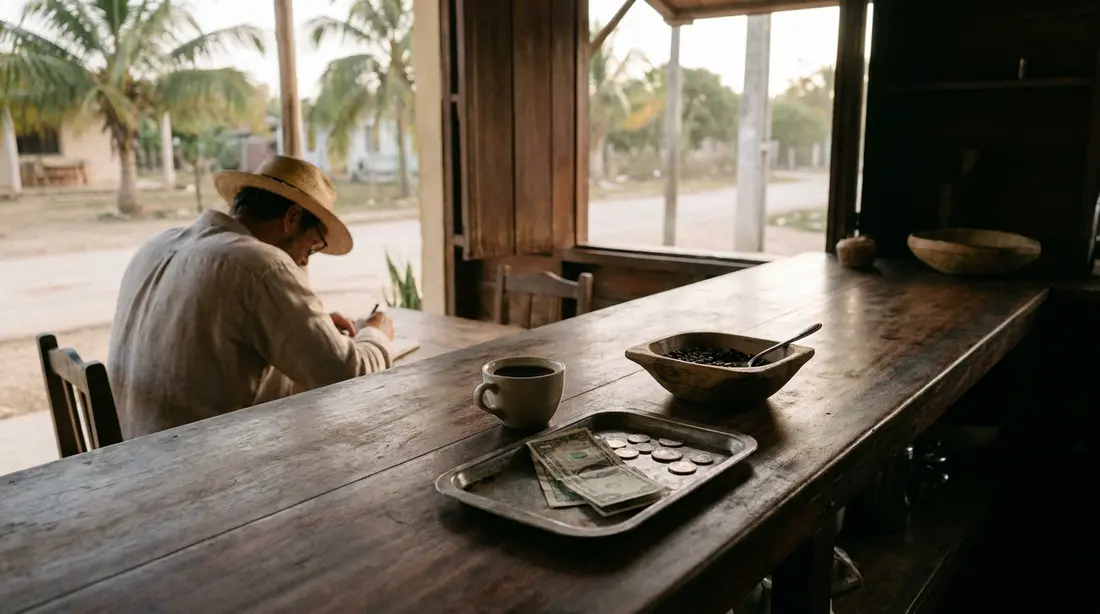
How cell service works in the territory
The U.S. Virgin Islands sit inside the domestic footprint of the big mainland carriers, and understanding why makes the plan-check advice concrete rather than superstitious. In October 2020, AT&T completed the sale of its Puerto Rico and USVI wireless and wireline operations to Liberty Latin America. The towers AT&T built here now belong to Liberty, and mainland AT&T customers ride the Liberty network under a continuation arrangement, still billed as domestic service. If your AT&T phone shows a Liberty network name on St. Croix, that is normal and costs nothing extra.
T-Mobile covers the territory as part of its domestic map, and Verizon likewise treats the USVI as domestic coverage; Verizon's own support material lists the islands inside its home footprint. Local carriers also operate here, Liberty first among them, and Viya sold mobile service under its own name for years before its April 2025 rebrand to One Communications. The practical upshot for a visitor from the mainland: your number, your voicemail, your texts and your data plan all come with you, no international package, no daily fee, no new SIM required.
The hedge: most is the operative word. Prepaid brands, small regional carriers and some business plans occasionally classify the territory their own way. One call or a search of your carrier's coverage terms for "U.S. Virgin Islands" before the trip settles it. Do the check before wheels-up; disputing a surprise on the first bill afterward is the slow version of the same errand.
Local SIMs and eSIMs
Because the islands are domestic for U.S. plans, the local-SIM ritual that Caribbean travel usually involves simply does not apply to most of our guests. Prepaid service from the island carriers exists and their retail stores sit in the Christiansted area, so a visitor from outside the U.S., or someone on a plan that treats the territory badly, can buy local service at street level. For everyone else, the more useful modern trick is the second eSIM: most recent phones can carry a spare line from a different carrier, activated in minutes, which turns one handset into a two-network device. More on why that matters in the backup section.
Coverage around the island
Signal is strongest where people are: Christiansted and its suburbs, Frederiksted, the mid-island corridor along the main roads, and the resort and residential East End. Published coverage maps show broad service across St. Croix on the major networks, and day-to-day experience in the towns feels like any mainland town. Away from the population, physics takes over. The remote northwest around Hams Bay and the rugged north shore show up as weak spots on the coverage maps, the rainforest's ridges and deep greenery shade some valleys, and a handful of secluded coves on any network drop to one bar or none. Travelers trade differing reports about which network wins where; some describe Verizon thinning away from Christiansted while the maps show it broad, which is exactly the kind of disagreement a two-minute test resolves. Walk your own phone around the villa on day one, note where it breathes and where it gasps, and you know your personal map for the week.
Two habits cover the gaps. First, turn on Wi-Fi Calling before you travel; it routes calls and texts over any Wi-Fi network, which makes the villa router your personal cell tower and makes dead-zone beaches irrelevant to reachability. Second, treat the thin spots as a scheduling fact rather than a defect: take the conference call from the lanai, and take the hike after it.
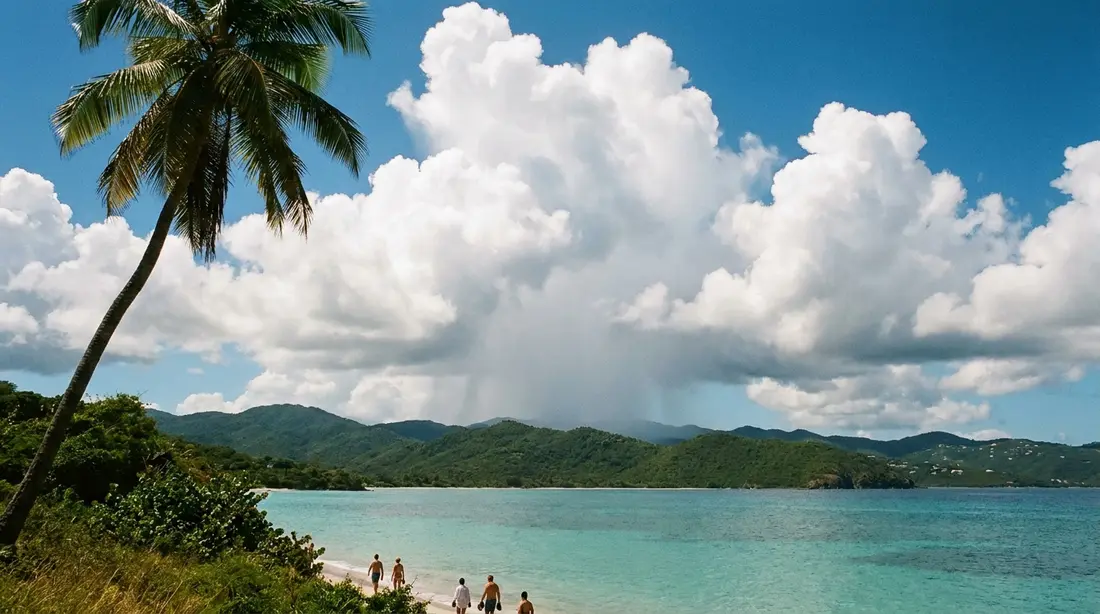
Phones on boats
Here is the one genuine billing trap in an otherwise domestic destination, and it lives on the water. A cell phone at sea keeps hunting for towers, and the tower it finds may belong to a foreign network or to a ship. Guests on cruise ships should know that once a vessel sails beyond coastal coverage, an onboard system marketed as Cellular at Sea takes over, and carriers bill time on it at maritime roaming rates that have nothing to do with your domestic plan. The classic tell is a text reading something like "Welcome to the Caribbean" with a rate sheet attached, arriving while you thought you were still on your home plan.
The same mechanism operates near foreign shores. On St. John day trips, phones along the north shore routinely latch onto towers in the British Virgin Islands, a few miles across the water, and trigger international day-pass charges; names like Digicel or Flow on the status bar mean you are on a BVI network even though your feet are on U.S. soil. Carriers have credited such charges when travelers call and explain, but that is a favor, done once or twice, and a poor plan. St. Croix itself sits forty miles south of the rest of the archipelago with no foreign island nearby, so this problem barely exists on shore here. It reappears the moment you board something that floats: the ferry or seaplane to St. Thomas, a long charter, a dive boat working offshore.
The fix costs nothing. On boats, either switch the phone to airplane mode and enjoy the water, or turn off data roaming and disable the automatic network selection so the phone cannot wander onto a stranger's tower. Photos, GPS and anything already downloaded work fine in airplane mode. Short local outings such as the Buck Island half-day, a mile and a half off the north shore, generally keep phones on domestic towers, but the airplane-mode habit costs you nothing there either and removes the need to reason about distances. Turn everything back on at the dock.
The island's internet, behind the router
What feeds a villa's Wi-Fi matters more than the Wi-Fi itself, so here is the supply side as it stood at last check. The incumbent wireline provider is One Communications, the company that operated for years as Viya and rebranded in April 2025; it remains a subsidiary of ATN International and sells cable-based internet across the island, with top advertised tiers up to 1 gigabit and near-complete coverage of the populated areas. Liberty, the same company that bought the AT&T operations, has been building fiber-to-the-home service, advertised up to 1 gigabit, though its fiber footprint covered only a minority of Christiansted addresses at last check. Broadband VI, a locally run St. Croix company, delivers fixed-wireless service, internet by radio link from hilltop sites, which reaches homes the cables never will. And Starlink satellite service is available across the territory, advertising speeds up to a few hundred megabits, which residents increasingly use either as primary service or as an independent backup that keeps working when island infrastructure has a bad day. Satellite in the older sense, high-latency service like Hughesnet, also exists but suits monitoring cameras better than meetings.
Translated for a working guest: a house on cable or fiber behaves like a mainland connection, with the usual asymmetry, generous download and more modest upload. Fixed wireless done well carries video calls without complaint; done from a marginal site in heavy rain, it wobbles. Starlink handles calls well in normal conditions. The technology mix explains the single most useful question you can ask about any specific property, covered next.
What a listing's Wi-Fi line does and does not tell you
Every one of our twelve homes shows Wi-Fi on its amenity list, and the amenity data on our property pages comes straight from the listings rather than from adjectives we invented. But an amenity checkbox is binary, and connections are not. "Wireless internet" on a listing tells you a router exists and service is paid for; it does not tell you the megabits, the upload, or how the connection behaves at 2 p.m. on a rainy Tuesday with three video calls running.
We would rather set that expectation ourselves than let a review do it. One July 2025 guest review of Toes in the Sand Beach House, published in full on the property page, praised the layout, the pool and the view from the deck, and also noted limits on water pressure and internet bandwidth. That is the island being an island, and we publish it because a guest planning a workweek deserves the information more than we deserve the flattery. Four homes' listings go further and name a laptop-friendly workspace, Cozy Condo with Beach Access, Dragonfly Villa and Ocean View Villa with Buck Island Views among them, and they are the natural starting points for a working stay.
If a deadline, a trading window or a payroll run depends on your connection, do the professional thing: email us with your dates and your actual requirement, in numbers, and ask what the house you are considering delivers. A five-minute exchange before booking beats any amount of optimism after check-in. The villa-versus-hotel comparison makes the same point from the accommodation side.
The working week in practice
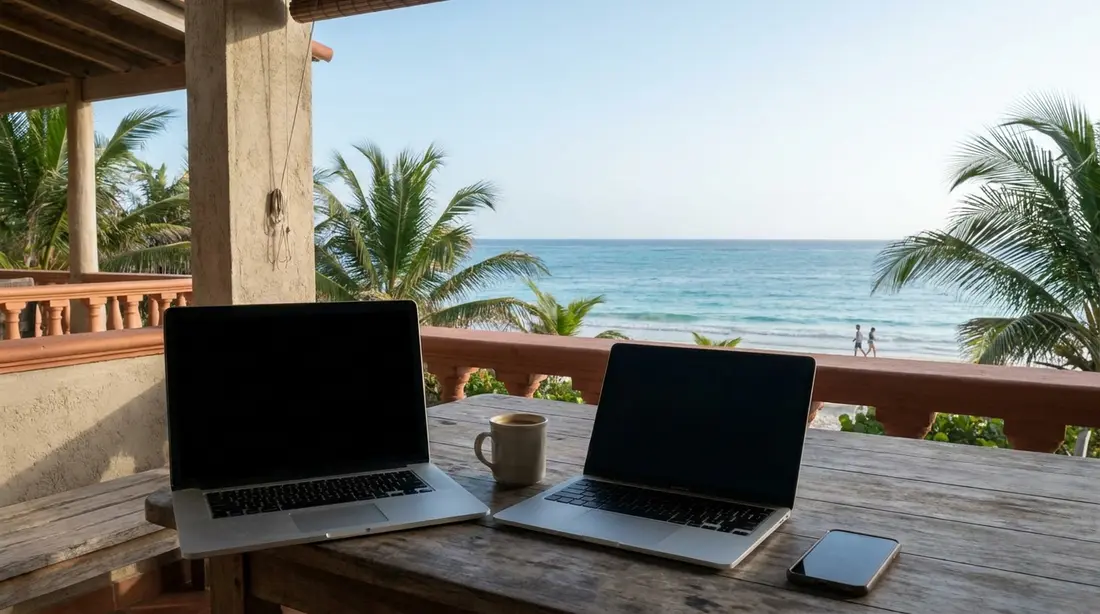
Guests have run full remote workweeks from our homes for years; one stayed two months at The Cerulean and filled the review with the kitchen and the beach rather than the internet, which is how a good working stay reads. The mechanics of a smooth week:
- Video calls. A standard group call wants only a few megabits each way; the constraint on island connections is usually upload, which cable rations more tightly than download. If a call stutters, dropping your outgoing video while keeping incoming solves most of it, and audio-only solves the rest. Recording locally and uploading after hours beats streaming a marginal link.
- Big files. Push large uploads to early morning or overnight, when the house and the neighborhood are quiet. Cloud-drive clients that sync continuously behave better than hundred-file manual uploads on any connection with occasional hiccups.
- VPNs and corporate tools. You are on U.S. networks in a U.S. territory, so corporate VPNs, banking apps, and two-factor texts behave normally. Nothing about the location reads as foreign to your employer's IT stack.
- The router is yours for the week. Sitting one room closer to it, or plugging in with an ethernet cable if the house permits, is free bandwidth. So is asking the household to defer the 4K movie until after your board call.
- Two workers, one house. Couples who both work remotely should stagger their heaviest calls where calendars allow, and claim separate rooms early; a villa's advantage over any hotel is precisely that it has enough doors for two simultaneous meetings. Whole-group houses like Shoy's Beach House make this trivial.
- Automations stay home. Scheduled emails, calendar defaults and smart-home routines keep running in your home time zone unless you change them. Most guests leave everything set to the home zone and simply read the island clock, which avoids a week of double-converted meeting times.
Power blips and the backup stack
The territorial grid, run by WAPA, drops out briefly from time to time, a flicker or a short outage, and a fair guide says so rather than letting the first blink surprise you mid-meeting. The pattern matters less than the fix, and remote workers have converged on a standard stack that costs little and removes the whole category of worry:
- The laptop is its own UPS. A charged laptop sails through any blink. Work unplugged at 80 percent and the grid can do what it likes.
- A small UPS or power bank for the router. The weak link during a blip is the router rebooting for five minutes. A compact uninterruptible supply, or a USB power bank if the router accepts it, keeps the Wi-Fi alive through the gap. Travelers who care bring one; it fits in a shoe. Homes with generators or battery systems say so in their listings.
- The phone is the second ISP. Tethering to your phone's hotspot turns the cellular network into a fallback connection in about thirty seconds. Confirm before travel that your plan includes hotspot data at a useful allowance; most do.
- The second eSIM is the third. Two carriers rarely fail together. A cheap prepaid eSIM on a different network than your main line means that even a carrier-level problem leaves you a path to the meeting.
That stack, laptop battery, router backup, hotspot, spare eSIM, costs under a hundred dollars beyond what you already own and has carried our working guests through everything the island's infrastructure has offered. For the resident-level version of the power story, including why solar and Starlink have spread across the island, read what it is really like to live on St. Croix.
The time zone works for you
St. Croix keeps Atlantic Standard Time every day of the year and never observes daylight saving. The consequence flips twice a year and rewards each U.S. time zone differently, so here is the whole table:
| Your team's zone | Nov to mid-Mar (mainland standard time) | Mid-Mar to Nov (mainland daylight time) |
|---|---|---|
| Eastern | Island is 1 hour ahead | Same time |
| Central | Island is 2 hours ahead | 1 hour ahead |
| Mountain | Island is 3 hours ahead | 2 hours ahead |
| Pacific | Island is 4 hours ahead | 3 hours ahead |
For an Eastern-time team in summer, the island is invisible: your 9 a.m. standup is 9 a.m. on the lanai. In winter you run an hour ahead, which means the workday ends at 4 p.m. island time and hands you a daily bonus hour of afternoon sea. Pacific workers get the strongest version of the trade: a West Coast schedule pushes your working block toward the island evening, but it also means every island morning, sunrise swim included, belongs entirely to you. Nobody on a U.S. schedule works nights from here. The only real adjustment is remembering that your phone's calendar will show meeting times correctly while your body argues; give it a day.
Working away from the villa
Most working guests never leave the house between calls, but the island offers places to vary the scenery, and they were real at last check rather than imagined for this page. Accelerate VI, a coworking space at 2205 Church Street in downtown Christiansted, sells day passes for around 30 dollars alongside monthly memberships, with conference rooms and phone booths, keeping weekday business hours. Among cafes, remote workers gravitate to a familiar shortlist in Christiansted: Rouge Cafe near the post office for quiet and outlets, and Virgin Islands Coffee Roasters on the boardwalk for harbor views with livelier acoustics, especially near cruise calls. On the west end, Polly's at the Pier in Frederiksted offers dependable Wi-Fi near the cruise pier. The Florence Williams Public Library in Christiansted reopened in January 2025 after a long closure and hosts regular programs. Hours, menus and Wi-Fi policies at small island businesses change without notice, so confirm before building a workday around any of them, and buy more than a small coffee if you camp for hours; island cafes run on thin margins and full tables.
Long stays and the month-plus setup
Everything above scales up if you stay a month or a season, and a few things change. A long-stay worker should weight connection quality heavily in choosing the house, confirm hotspot allowances survive a month of fallback use, and consider whether the property's setup justifies bringing a personal travel router or asking about upgrades. Quiet-season months price attractively for exactly this kind of stay. The long-stays guide covers the domestic logistics, kitchens, laundry, mail, groceries via the provisioning guide, and the journal's resident-level post covers what a real month here feels like. Booking a longer stretch directly with us also costs less than the platforms.
Streaming, apps and the everything-else question
A question guests are almost embarrassed to ask: does normal internet life work there? Entirely. This is the United States, so the streaming services, banking apps, sports packages and storefronts on your devices behave exactly as at home, with no geo-blocking surprises of the kind international travel produces. Your accounts do not think you have left the country, because you have not. The only planning note is bandwidth courtesy on a shared connection: a household streaming 4K on three screens while one member holds a client call is a physics problem, no matter the destination. Downloading shows and playlists on villa Wi-Fi before a boat day costs nothing and makes the thin-signal coves irrelevant.
What to set up before you fly
- Confirm your plan treats the U.S. Virgin Islands as domestic, and note your hotspot data allowance.
- Turn on Wi-Fi Calling.
- Install a spare prepaid eSIM on a different network if the trip includes real work.
- Download offline maps of the island, plus any media for travel days.
- Pack a small router-capable power bank or travel UPS if a meeting matters; see the packing list for the rest.
- Decide your boat-day phone policy in advance: airplane mode, or roaming off with manual network selection.
- Tell your team the time-zone math so the calendar invitations land right the first week.
Provider and carrier expectations at a glance
| Service | What it is here | What to expect, at last check |
|---|---|---|
| AT&T (mainland plan) | Rides the Liberty network, which bought AT&T's island operations in 2020 | Domestic billing; phone may display Liberty's network name |
| Verizon | USVI inside its published domestic footprint | Domestic billing; traveler reports on rural strength vary, test on arrival |
| T-Mobile | Territory on the domestic map | Domestic billing; strong in towns, thinner in the remote northwest |
| Liberty / One Communications prepaid | Local carriers with island retail stores | An option for international visitors or plan misfits; unnecessary for most U.S. guests |
| One Communications (was Viya) | Incumbent cable internet, rebranded April 2025 | Advertised up to 1 Gbps down; upload is the tighter lane |
| Liberty fiber | Fiber-to-home build, partial footprint | Advertised up to 1 Gbps where the build has reached |
| Broadband VI | Local St. Croix fixed-wireless provider | Radio-link service reaching beyond the cable plant; weather-sensitive at the margins |
| Starlink | Satellite, available territory-wide | A few hundred Mbps advertised; popular as primary or independent backup |
Speeds above are the providers' advertised figures, and what any single villa receives depends on its own subscription and equipment; the table describes the island's supply, never a promise about a particular house.
The case for logging off
Having spent four thousand words on staying connected, we should say the quiet part: the best hours on St. Croix happen with the phone in the beach bag. The island rewards long unmeasured afternoons, and the coves with one bar of signal are usually the ones worth the drive. Do the work, close the laptop at four, and let the place have you.
Questions guests ask
Do I need an international plan for St. Croix?
No. The island is U.S. territory on area code 340, and the major mainland carriers bill service here as domestic, so your calls, texts and data work as at home. A small minority of prepaid and regional plans classify the territory differently, so spend two minutes confirming with your carrier before travel rather than after the bill arrives. International visitors from outside the U.S. should treat the islands like any U.S. destination for roaming purposes, or pick up prepaid service from the local carriers in Christiansted.
Is villa Wi-Fi fast enough for Zoom calls?
At the right house, yes, and guests run full workweeks here routinely. Every home in our program lists Wi-Fi, but connection quality varies with the underlying service at each address, cable, fiber, fixed wireless or satellite. If meetings are the point of the question, tell us your requirement in numbers when you inquire and we will tell you what the specific house delivers. Four of our listings also name a laptop-friendly workspace among their amenities, which is where working guests should start.
Why did my phone say I was roaming internationally on U.S. soil?
Almost certainly a foreign or maritime tower. Near the British Virgin Islands, especially on St. John's north shore during day trips, phones grab BVI towers and trigger international charges; at sea, cruise ships carry onboard systems billed at maritime rates. St. Croix itself has no neighboring foreign island, so the trap is mainly a boat-day and inter-island issue. Airplane mode on the water, or data roaming off with manual network selection, prevents it entirely.
What happens to the internet when the power blinks?
The island grid occasionally drops for moments to an hour or two, and a villa router without backup reboots when it does. A charged laptop rides through the gap; a small UPS or power bank keeps the router alive; and tethering to your phone bridges anything longer, since cell sites carry their own backup power. Homes with generators or battery systems note it in their listings. Working guests who set up that stack on day one generally never think about the grid again.
What time zone is St. Croix in?
Atlantic Standard Time, all year, with no daylight saving. From November to mid-March the island runs one hour ahead of Eastern time, two ahead of Central and four ahead of Pacific; during mainland daylight saving it matches Eastern exactly. For remote workers the arithmetic is friendly: Eastern teams notice nothing in summer, and West Coast schedules hand you the entire island morning before the first meeting.
Is there a coworking space on the island?
At last check, yes: Accelerate VI in downtown Christiansted sells day passes and monthly memberships with conference rooms and phone booths, keeping weekday hours. A handful of cafes in Christiansted and Frederiksted tolerate laptops with good grace, and the Florence Williams Public Library reopened in 2025. Small-island hours and policies change without notice, so confirm directly before committing a workday, and default to the villa for anything requiring privacy or a hard start time.
Will my streaming subscriptions work?
Yes, all of them, exactly as at home. The U.S. Virgin Islands are the United States for every service that checks your location, so nothing gets geo-blocked and no VPN gymnastics are required. The only consideration is shared bandwidth: on a connection also carrying someone's workday, schedule the 4K binge for the evening, and download shows in advance for boat days and thin-signal beaches.
Homes that fit a working stay
Start with the listings that name a laptop-friendly workspace: Cozy Condo with Beach Access and Ocean View Villa with Buck Island Views near Christiansted, and Dragonfly Villa on the East End. For a longer working stay with room to spread out, The Cerulean hosted a two-month guest whose review dwelt on the kitchen and the beach, which is the outcome we aim for. Every amenity claim on our property pages comes from the listing itself, and where a connection has limits, as a Toes in the Sand review once noted, we publish that too. Tell us what your work requires and we will match you to the house that carries it.
Sources
Written from official and first-party sources, checked August 2026. Hours, prices and event dates change — confirm before you go.
In this guide
Stay nearby
On The Shoys beach: six bedrooms, six baths, pool and hot tub, room for twelve, and the beach through the back garden.
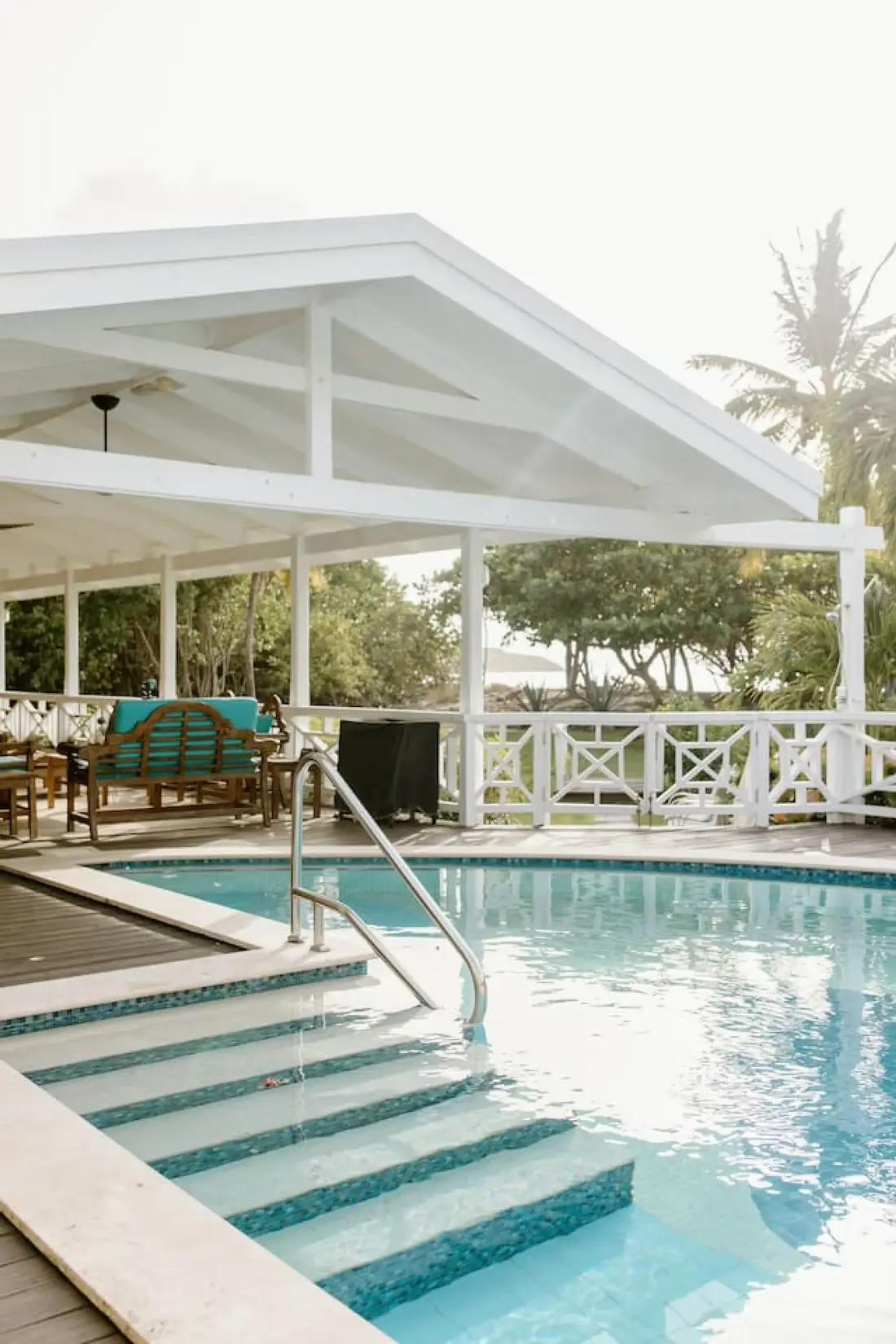 Shoy's Beach House6 bd · 6 ba · sleeps 12 · Christiansted
More in Plan Your Trip
Sources
12 references, listed in full at the end of this guide — official park, refuge, tourism-board and business sources, checked August 2026.